Hotel Lobby
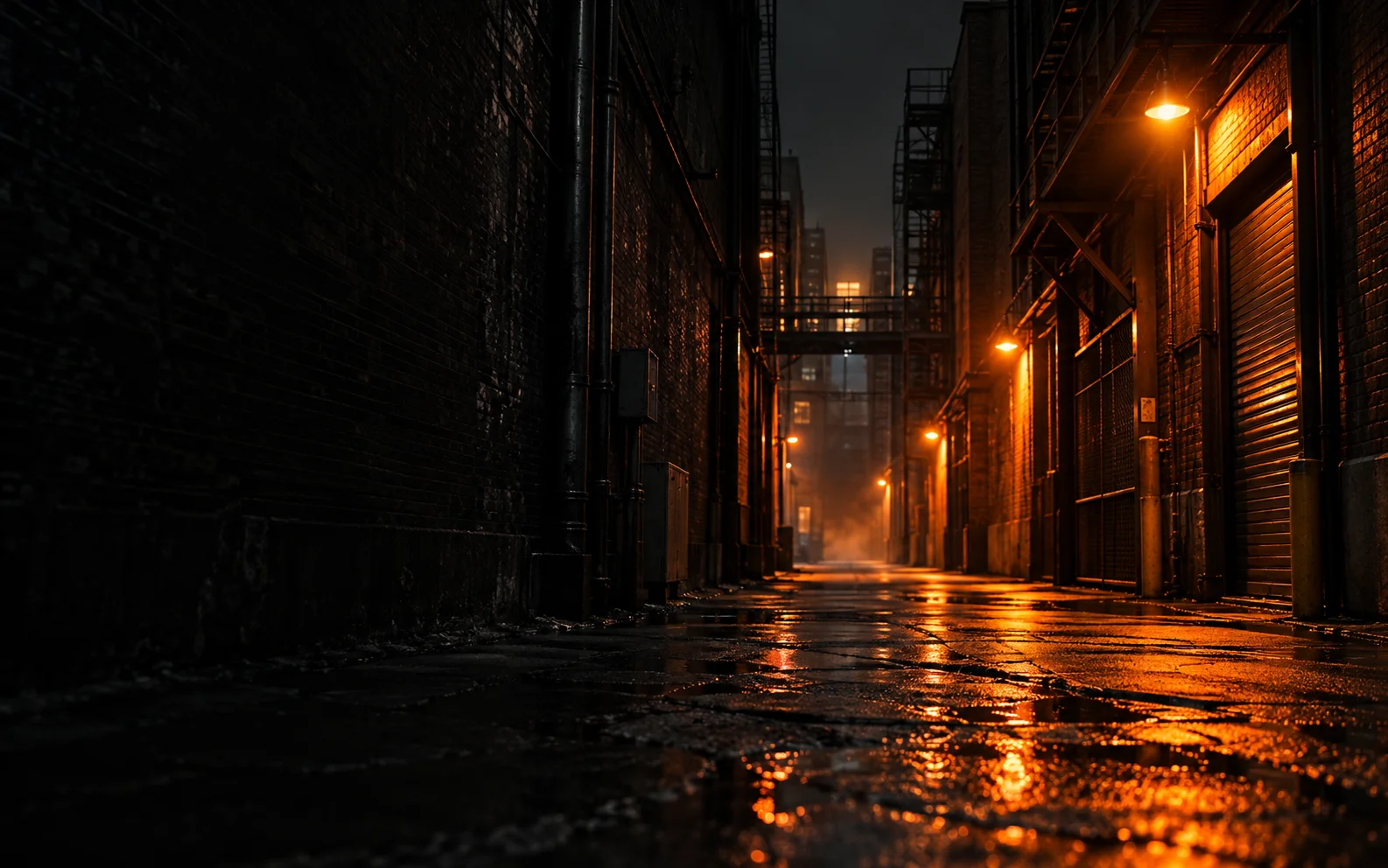
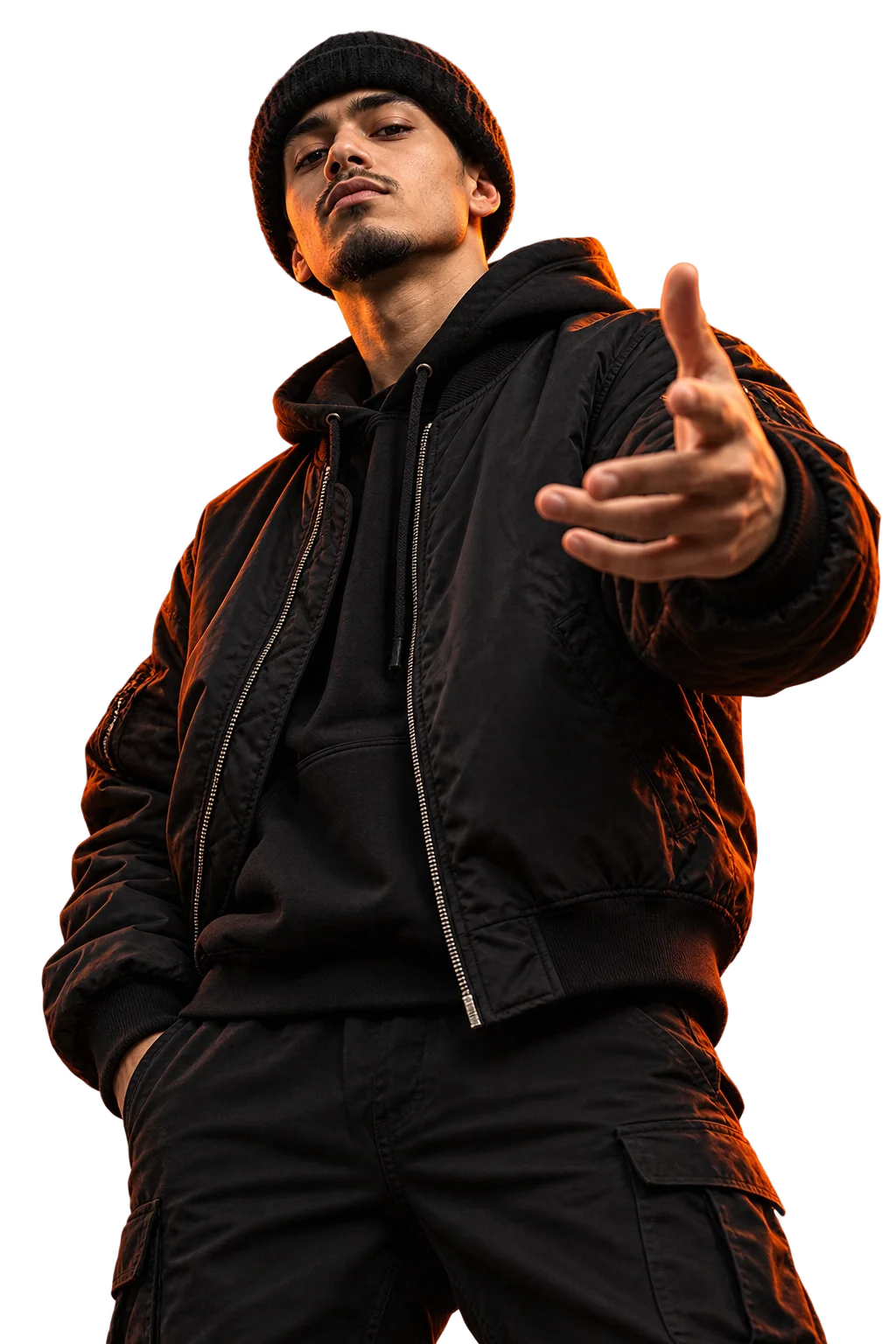
Make a rap duo around a shared microphone in an orange studio. Start with two portraits or one clear photo of both people.
Explore Hotel Lobby
Upload a portrait for a solo video, or two portraits or a shared photo for a duo. Choose a studio, street or party scene to create a short AI rap performance with vocals and music. Download the finished video from My videos.
Choose your people and setting, then tell us what to rap about. The model creates a new performance, camera work and sound.
68 credits per video
Download promptly. Generated file links are retained for up to 7 days; My videos keeps your job history.
Finished video reference
External creator example, made with other tools. Original Rap creates a new performance; it does not reproduce this clip. Your finished video replaces this preview.
Choose a reference clip or upload your own, add character photos, then generate your remix.
121 credits per video
Download promptly. Generated file links are retained for up to 7 days; My videos keeps your job history.
Original source reference
Hotel Lobby reference: 00:15–00:27 (12 seconds).
Selected reference clip for your remix. The source is credited above; generated results appear in My videos.
Choose a theme as a starting point, or create an original rap with your own topic and scene. These guides cover three popular formats supported by AI Rap Video.
Make a rap duo around a shared microphone in an orange studio. Start with two portraits or one clear photo of both people.
Explore Hotel LobbyPut one performer at the center of a street freestyle, with a close-up camera, rhythmic gestures and a surrounding crowd.
Explore Bulin 47 FreestyleCreate a party entrance with warm lighting, expressive reactions and a lead character guided by your photo.
Explore Burning Bridges PartyExplore Hotel Lobby duets, Bulin 47 Freestyle performances and Burning Bridges Party entrances. These public creator videos come from YouTube and TikTok and were made with other tools.
Choose a trend to compare its character remixes and see how each performance works.
Two familiar rivals take the lead and hype roles at the mic.
If the player is unavailable in your region, use the creator link to open the original post.
An AI rap video turns the people in your photos into performers in a short scene. You choose the people and the style; the model creates the movement and camera work. No filming or prompt writing.
Create a new performance in a studio, street or party setting with Original Rap, or choose Video Remix to change the performers in a reference clip.
One clear photo for Street Freestyle, or one photo per person for Rap Duo.
Pick a stage, video model, length, format and sound. Review the credit cost before submitting.
Your AI rap video appears on the page and in My videos; download it within 7 days.
In Original Rap, the topic input and sound choice stay visible in the main form. Scene sets the visual setting; your words and optional audio reference guide a new musical performance.
Model, length, format and resolution are visible in the form. Keep the defaults or tap an option; your credit cost updates before you submit.
Put the birthday person on the mic and send the clip to the group chat before the party starts.
Two photos, one booth: the classic way to turn an inside joke into a ten-second performance.
An anniversary or long-distance surprise where you both finally get the same stage.
Celebrate a launch, a win or a new teammate with a quick freestyle that everyone can share, with everyone's agreement.
Choose original vocals or an audio reference. Label your clip as AI-generated when sharing.
Choose a one-time credit pack or a recurring plan. Use the same credits across all rap scenes.
One-time purchase. Pack credits never expire.
60 credits
About 1 video · 12s · 480p
$7.49 per video at these settings
220 credits
About 4 videos · 12s · 480p
$5.93 per video at these settings
500 credits
About 11 videos · 12s · 480p
$5.31 per video at these settings
1,000 credits
About 22 videos · 12s · 480p
$4.46 per video at these settings
2,200 credits
About 48 videos · 12s · 480p
$4.07 per video at these settings
180 credits
About 4 videos · 12s · 480p
$4.98 per video at these settings
500 credits
About 11 videos · 12s · 480p
$4.49 per video at these settings
1,100 credits
About 24 videos · 12s · 480p
$4.09 per video at these settings
2,160 credits
About 48 videos · 12s · 480p
$4.15 per video at these settings
6,000 credits
About 133 videos · 12s · 480p
$3.74 per video at these settings
13,200 credits
About 293 videos · 12s · 480p
$3.41 per video at these settings
Manage subscription and billing
Choose a pack for occasional use: pay once, with no renewal or expiry. Monthly plans offer more credits for regular use; the unused monthly allocation expires each billing month. Yearly plans work best when you expect to create throughout the year.
Monthly credits arrive after each successful monthly payment and expire at that billing month’s end. A yearly payment grants the whole annual pool at once, valid to that billing year’s end. Expiring credits are used before non-expiring pack credits.
Yes. Cancel future renewals in your account’s Billing page. Cancellation does not remove credits already granted; they keep their original expiry. There is no automatic cash refund of unused credits. For a purchase or refund question, contact support with your order reference.
The card estimates use Seedance 2 Fast, 12 seconds and 480p without a video reference. A larger model, higher resolution, longer output or a longer reference video changes the cost. Check the exact quote before submitting. Confirmed failed jobs return their charged credits.
AI Rap Video is a photo-to-rap video generator for solo and duo performances. Original Rap creates a new performance from your photos, scene and topic. Video Remix uses a selected or uploaded reference clip to change the performers.
Yes. Sign in, choose a scene and upload your photos, then review the settings and credit cost before generating. Buy a credit pack or subscribe if you need more credits. Track progress and download the finished video in My videos.
Your own, or adults who agreed. Photos of public figures and minors are not allowed.
Email support@airapvideo.cc. We usually reply within two business days.
Choose 5, 8, 10, 12 or 15 seconds, 480p or 720p, and a vertical, square or landscape format in video settings. The credit cost updates before you submit.
Original Rap creates vocals and music from your topic or audio reference. Video Remix uses the reference clip to guide the performance and sound.
Original Rap creates a new scene, performance and sound. Video Remix starts from a selected or uploaded clip and uses your photos to change the performers. Choose your reference, add photos, review the credit cost and submit.
Yes. AI Rap Video runs in the browser, so you can pick photos from your camera roll, generate the clip and download it straight to your phone. No app install is needed.
If a generation is confirmed as failed, the credits it used go back to your balance automatically. If the status is unclear, we check it before refunding so you are never charged twice.
Explore Hotel Lobby for a shared-microphone rap duo, Bulin 47 Freestyle for a solo street performance, and Burning Bridges Party for a party entrance. Each theme has its own guide and creation entry. You can also create an original rap with your own topic and scene.
Yes. For a two-person performance, upload two individual portraits or one shared photo with both faces clearly visible. The Hotel Lobby theme page explains the shared-microphone setup and photo tips.